· recording · 3 min read
My Home Studio Setup
We moved a year ago and I am finally getting around to setting up the ability to do better recordings again.
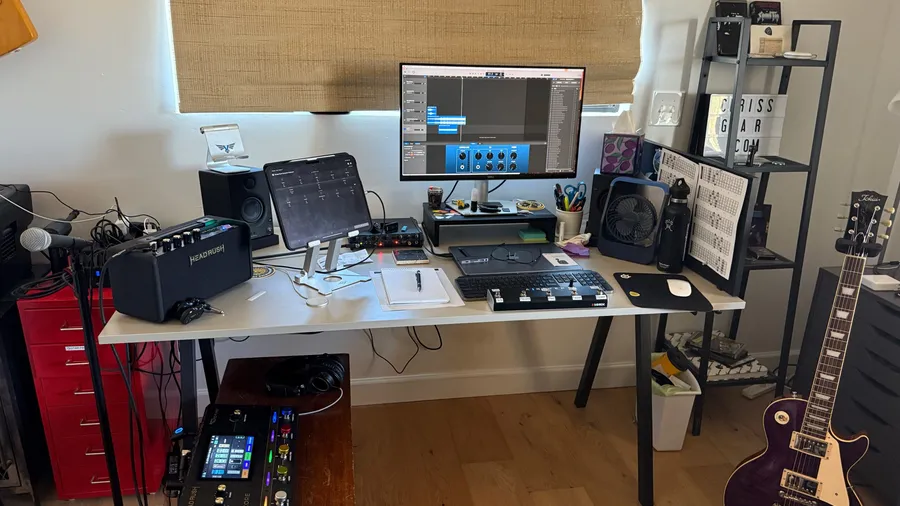
We moved a year ago and I am finally getting around to setting up the ability to do better recordings again.
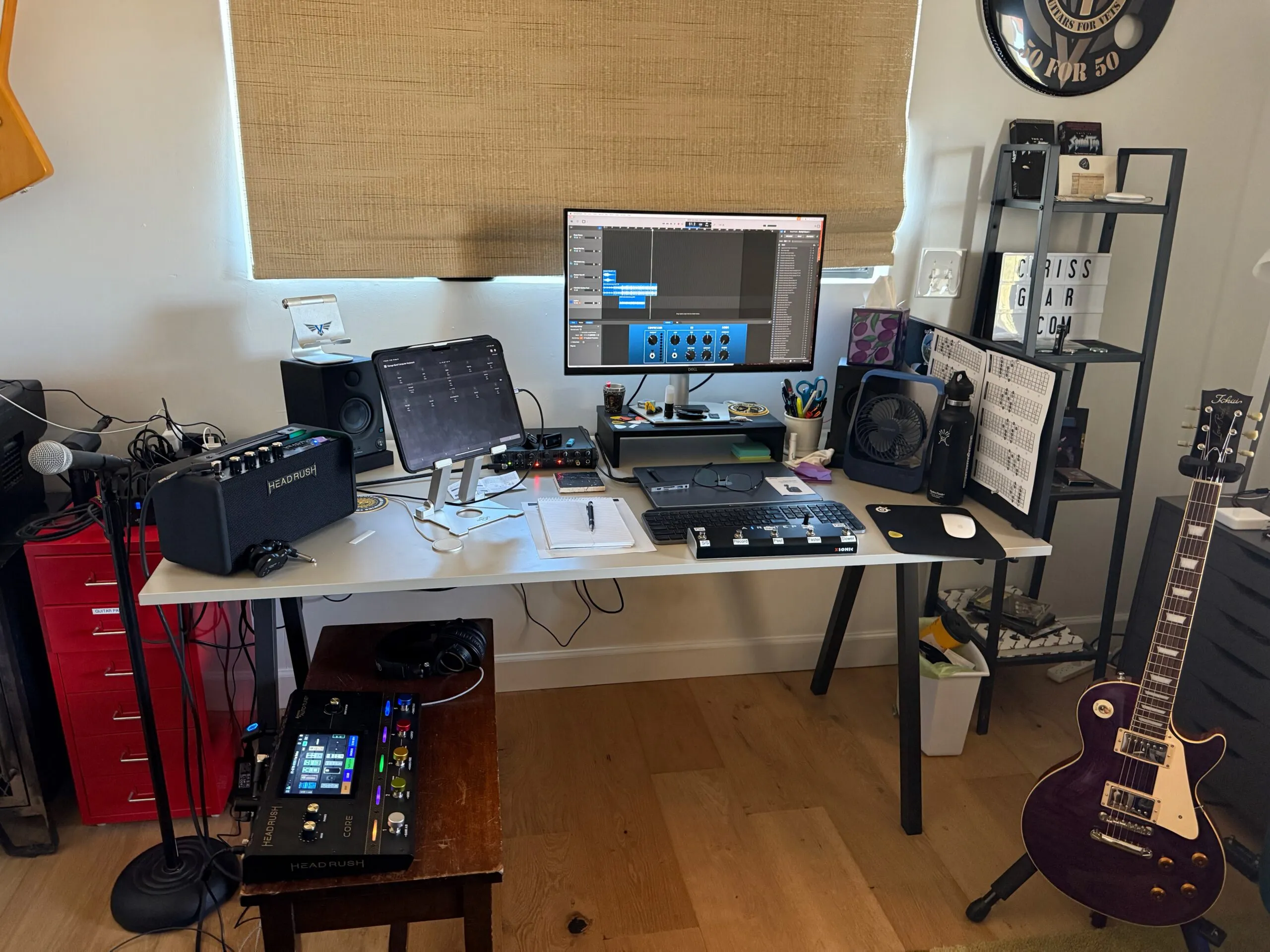
A semi-clean desk setup. I am going to add some stands for my speakers and a bigger monitor stand to hide stuff under it. Otherwise it is pretty typical IKEA stuff.
Hardware:
- MacBook Pro
- IK Multimedia Axe I/OGuitar/Sound Interface (how I get guitar and vocals into my MacBook)
- PreSonus Studio Monitors
- AirStep Lite Bluetooth Midi Pedal - This can control all kinds of things on you phone, table, computer, effects board and more. Currently using it to control the Looper function on my HeadRush core and control GarageBand on my Macbook and iPad. Things like starting and stopping recording and other basic functions to make recording easier.
- HeadRush Core Multi-Effects pedal - The newest toy for amp modeling, vocals, and whatever else I can think of.
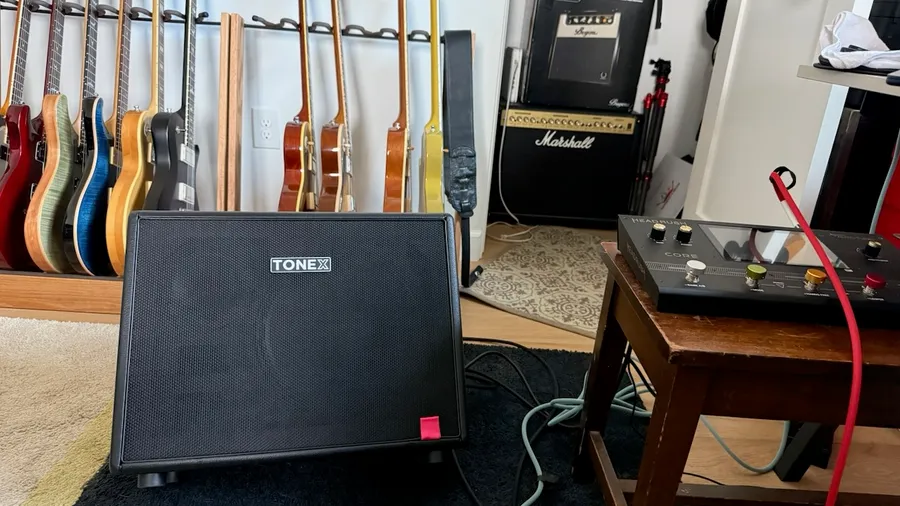
- HeadRush FRFR Go Speaker/Amp - Not really an amp per se. My Headrush Core Multi-Effects pedal goes into this.
- AudioTechnica ATH-M50X Studio Headphones
- Samson Microphone and stand (Nothing fancy)
Software:
- GarageBand for iOS and Mac - I can record with either device. I have done some basic remote recording using my iPad and an iRig guitar interface but prefer my Macbook Pro
- Amplitube - Oh boy this is fun software. It came with my AXE I/O interface. Thousand of guitar sounds/amps/pedals/etc from the ToneX Cloud as well as other sources for tones. I love Mr. Tabs on YouTube. If you are a Patreon subscriber he has backing tracks and tones for Amplitube with every song. Pretty neat!
- PreSonus Studio 1 Ver 6.0 - If I ever need a fancier DAW (Recording software) This is what I use vs GarageBand. I am really not at this level but fun to play with
- AirStep controller software for iOS. This allows you to program that pedal to do all kinds of things
- Bluetooth Midi Connect - Allows my to connect the AirStep pedal to my Macbook wirelessly.
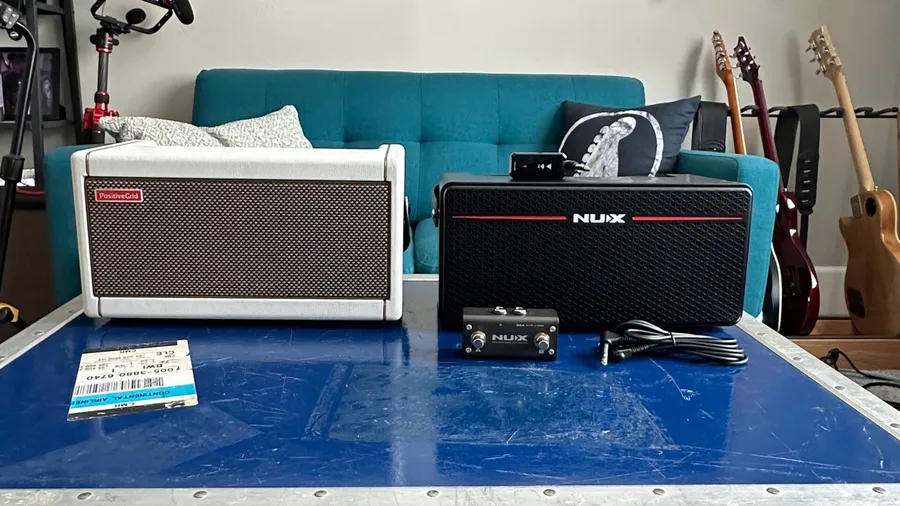
**Other Stuff: **This list is too long! Spark 2 Amp Nux MightySpace Amp Nux MightyPlug Pro Headphone Amp - Can be use to record with as well Dell Monitor
Cheater stickers for GarageBand and Looping.
Future: Maybe a MIDI Keyboard to mess around with.
Home Studio Basics: Hit up YouTube and the internet for more information. There are so many options. It is surprising what you can do for very little money. If you are using Windows OS check out Reaper for DAW Software. It is also available for Linux and Mac. Most hardware interfaces that you purchase include some sort of DAW Software. You can get a nice basic interface for around $100.
Hope to see what others have and use. You can start off very simple! For acoustic guitar you can get away with using your iPhone or iPad microphone with GarageBand.